
How Gemini Can Help Enhance Zoho CRM for Smarter Sales & Operations
Artificial intelligence is rapidly transforming how businesses use CRM systems—but many companies are only scratching the surface.
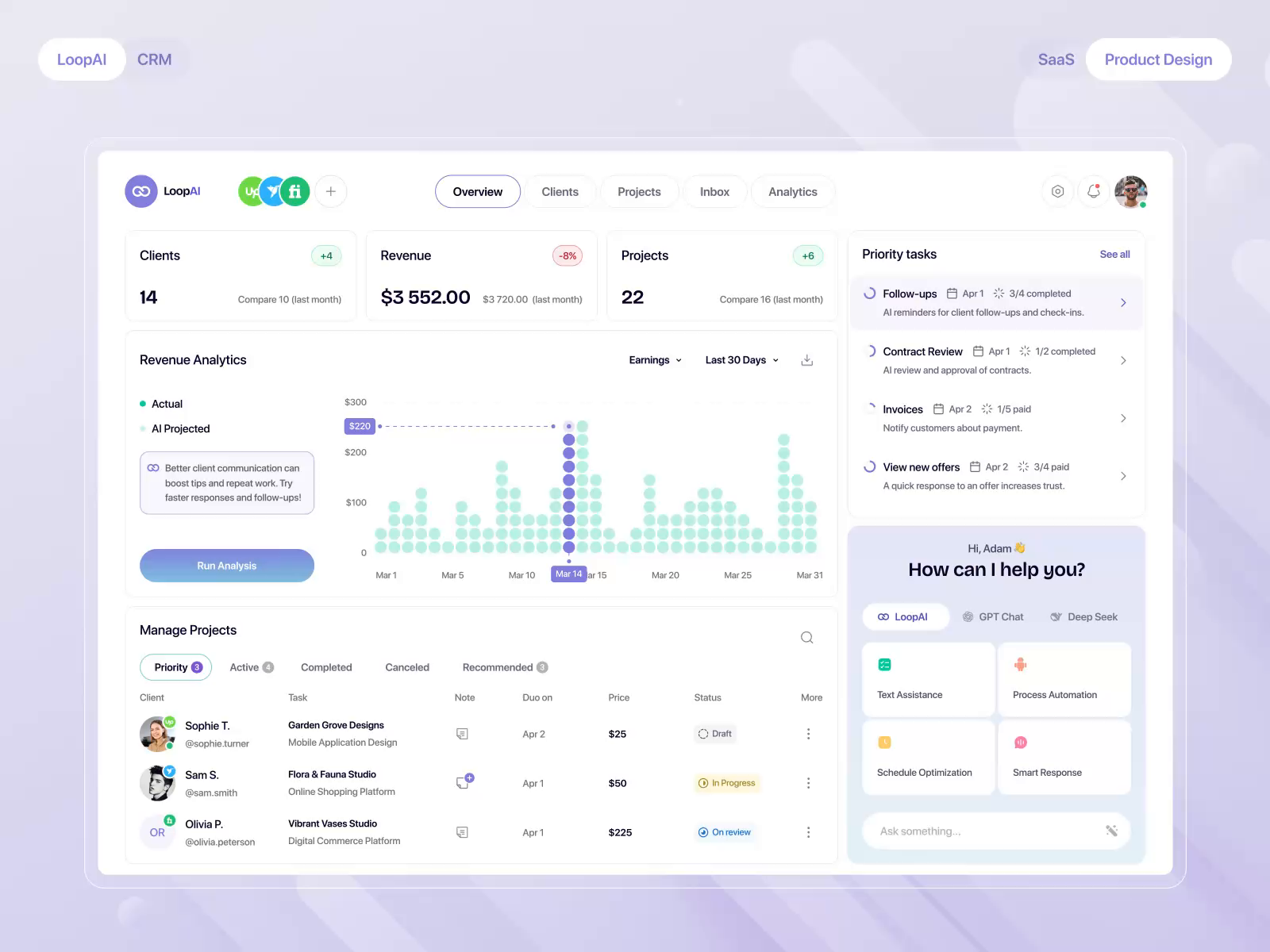
While Zoho CRM includes built-in AI through Zoho Zia, integrating external AI tools like Google Gemini can unlock even more powerful capabilities—especially around content creation, data analysis, and workflow automation.
If you’re a small or service-based business, Gemini can help you save time, improve communication, and make better decisions using your CRM data.
Let’s break down how 👇
Why Use Gemini with Zoho CRM?
Zoho CRM is excellent at:
- Managing customer relationships
- Tracking deals and activities
- Automating workflows
Gemini excels at:
- Writing and generating content
- Summarizing and analyzing data
- Interacting with documents and Google Workspace tools
👉 When combined, you get a CRM that’s not just organized—but intelligent and responsive.
1. Generate Emails, Follow-Ups, and Sales Content
The Problem:
Sales teams spend too much time writing emails—and results vary.
How Gemini Helps:
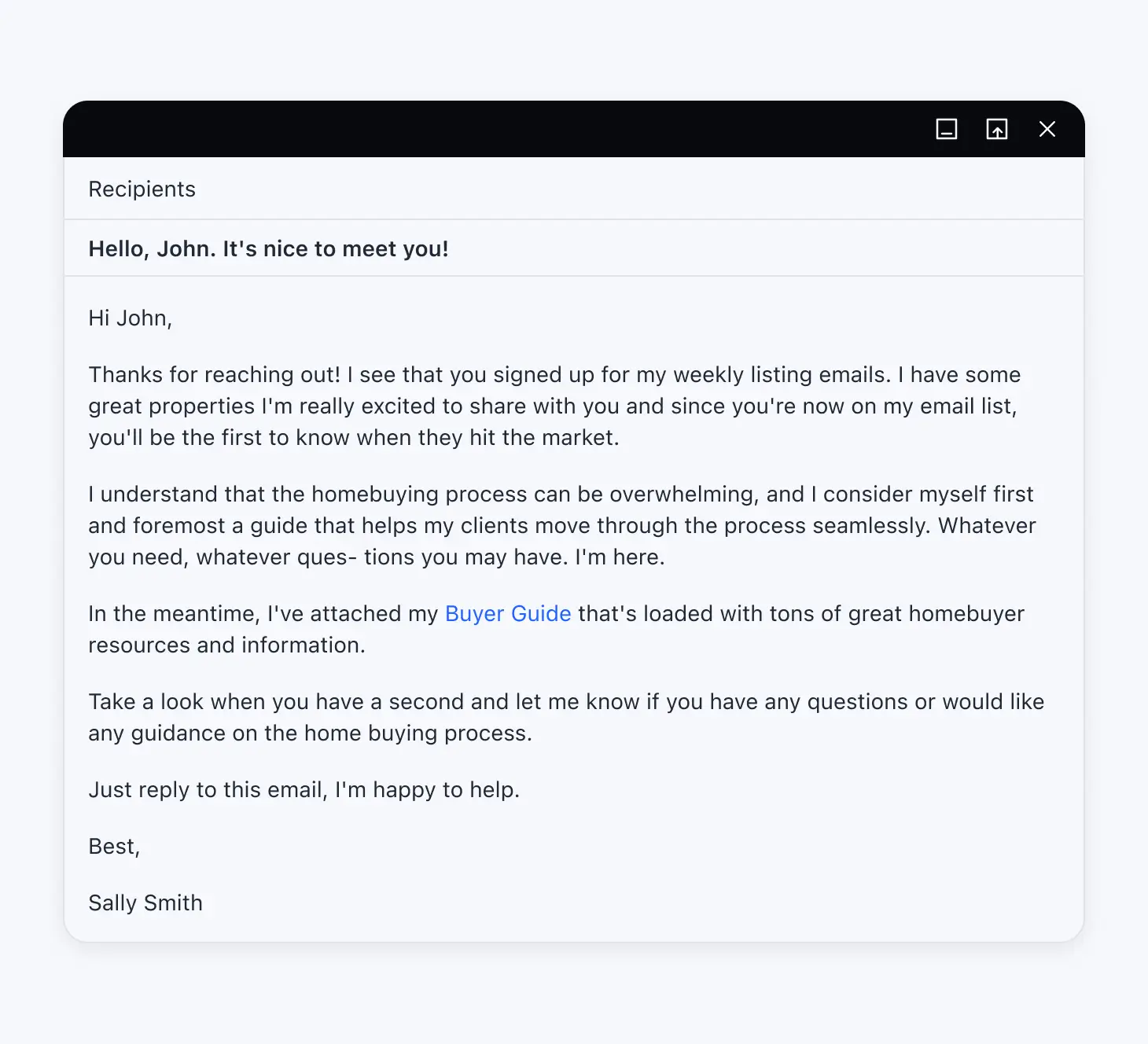
- Draft personalized follow-up emails
- Rewrite messaging for clarity and tone
- Generate outreach sequences
- Create subject lines that improve open rates
Example:
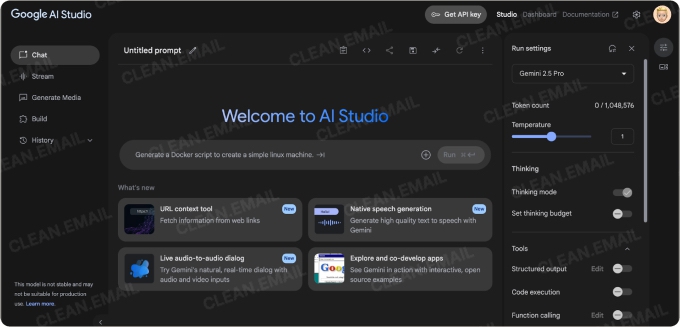
A sales rep pulls deal data from Zoho CRM and asks Gemini:
👉 “Write a follow-up email for a prospect who requested a demo but hasn’t responded”
Gemini generates a polished email instantly.
Result: Faster outreach with better messaging.
2. Summarize CRM Notes, Calls, and Emails


The Problem:
Notes are inconsistent, and important details get lost.
How Gemini Helps:
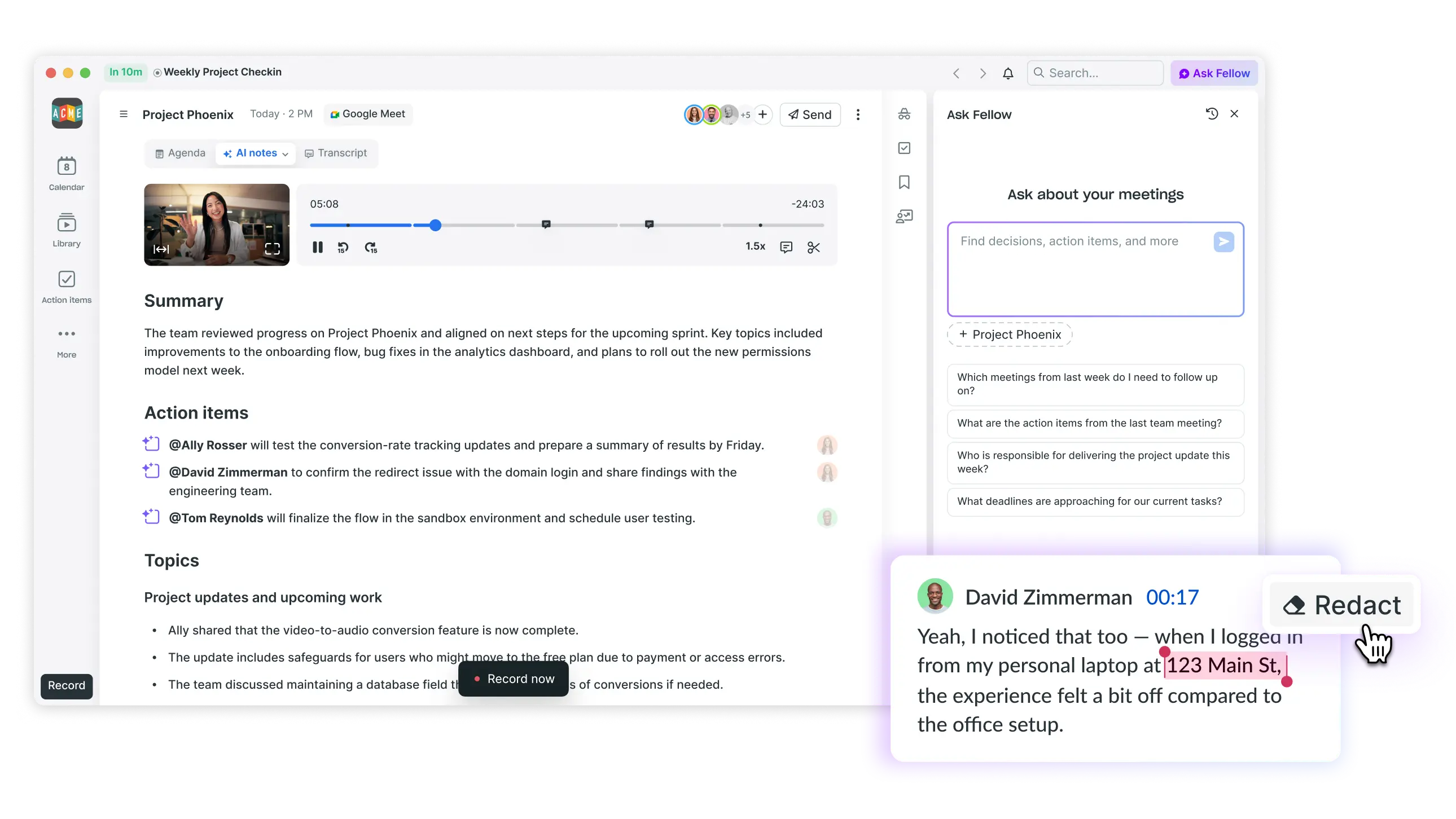
- Summarize call transcripts
- Clean up messy notes
- Extract key action items
- Highlight risks or opportunities
Example:
After a discovery call:
👉 Gemini summarizes the conversation and formats it for Zoho CRM
Result: Cleaner data and better visibility across your team.
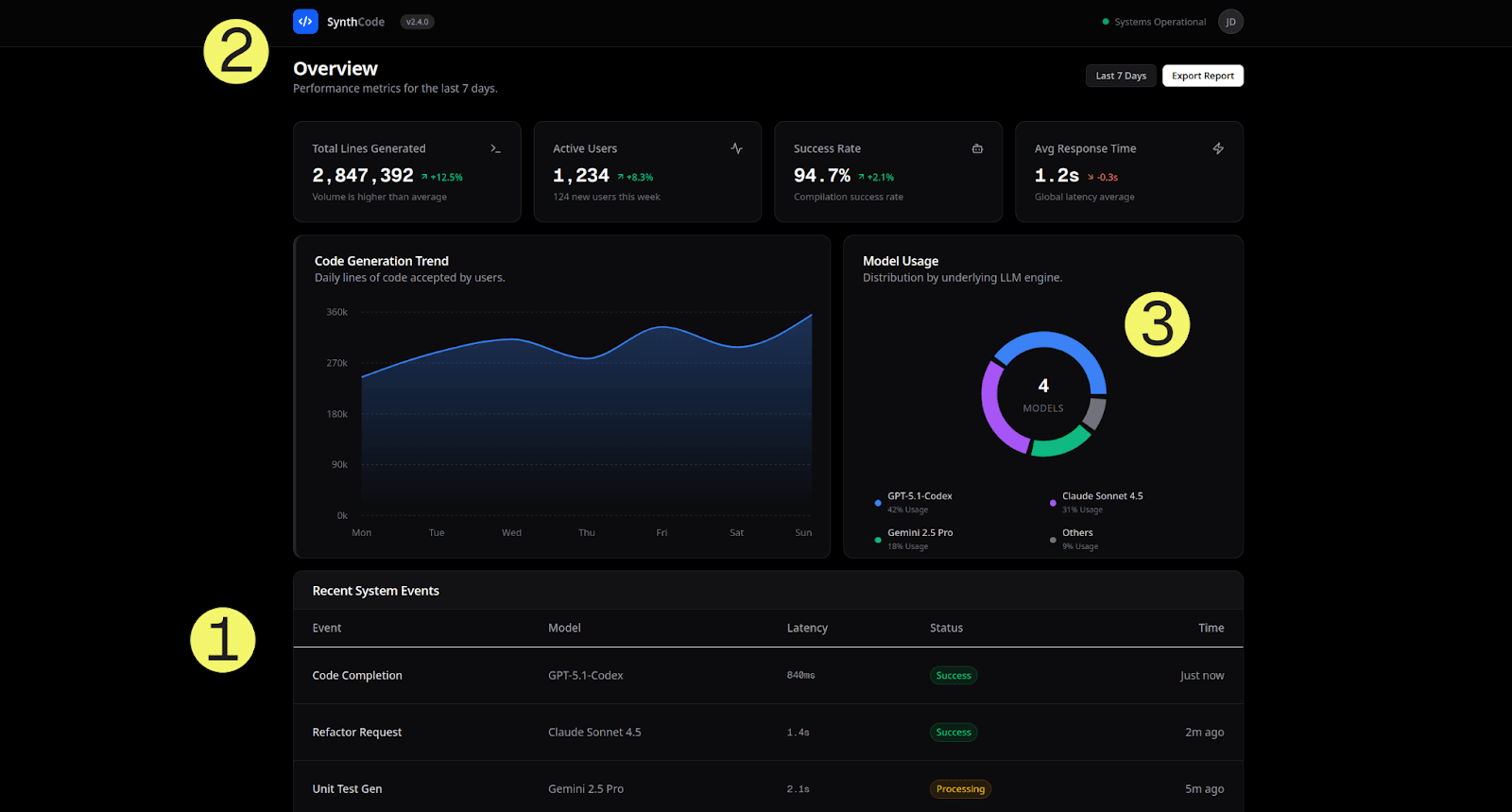
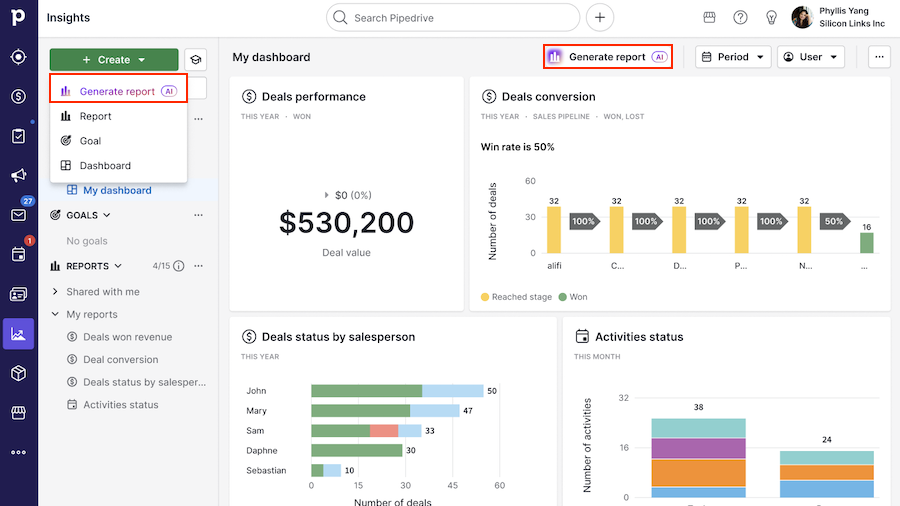
3. Analyze CRM Data Using Natural Language

The Problem:
Most CRM reports are underused or too complex.
How Gemini Helps:
- Answer questions in plain English
- Identify trends in your pipeline
- Explain performance issues
- Suggest improvements
Example:
👉 “Why are deals slowing down this month?”
Gemini analyzes your exported CRM data and provides insights.
Result: Faster, smarter decision-making without digging through reports.
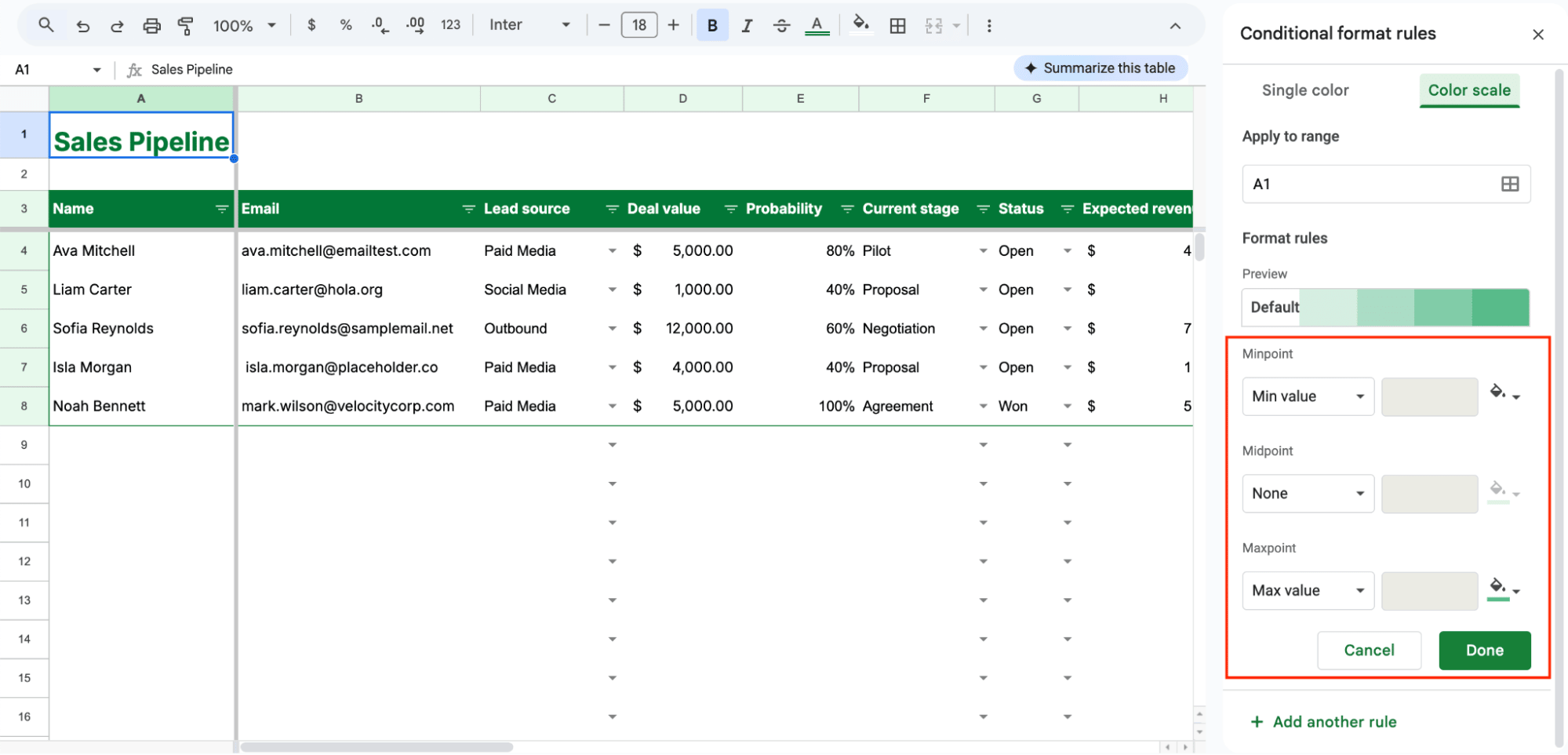
4. Automate Proposals, Quotes, and Documentation

The Problem:
Creating proposals is repetitive and time-consuming.
How Gemini Helps:
- Generate proposals using Zoho CRM data
- Customize content for each client
- Integrate with Google Docs for formatting
- Standardize messaging across your team
Example:
A consulting firm:
👉 Uses Gemini to generate proposals in Google Docs based on CRM deal data
Result: Faster turnaround and more consistent proposals.
5. Streamline Workflows with Google Workspace Integration
The Problem:
Your tools don’t talk to each other efficiently.
How Gemini Helps:
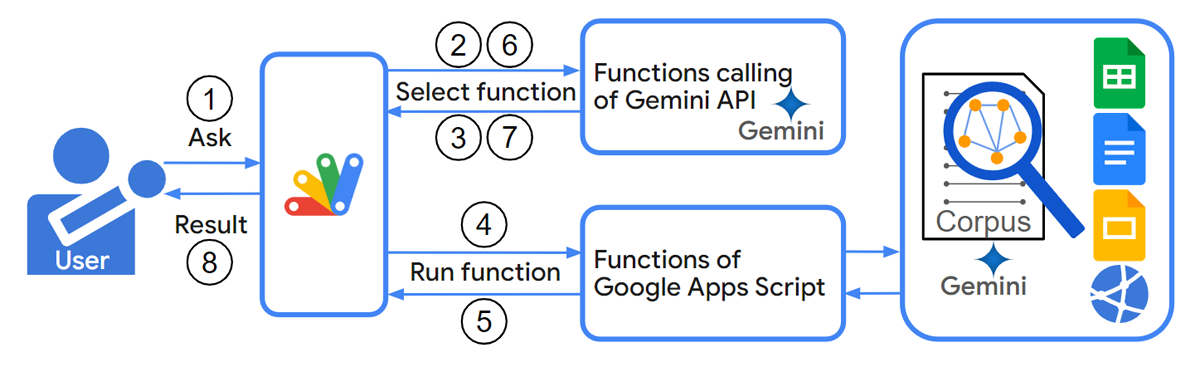
- Connect Zoho CRM data with Gmail, Docs, and Sheets
- Automate workflows across platforms
- Generate content directly inside Google Workspace
- Reduce manual data transfer
Example:
👉 A business uses Gemini + Google Sheets to analyze CRM exports and generate insights
Result: A more connected and efficient workflow.
6. Improve Customer Communication & Support

The Problem:
Customer communication is time-consuming and inconsistent.
How Gemini Helps:
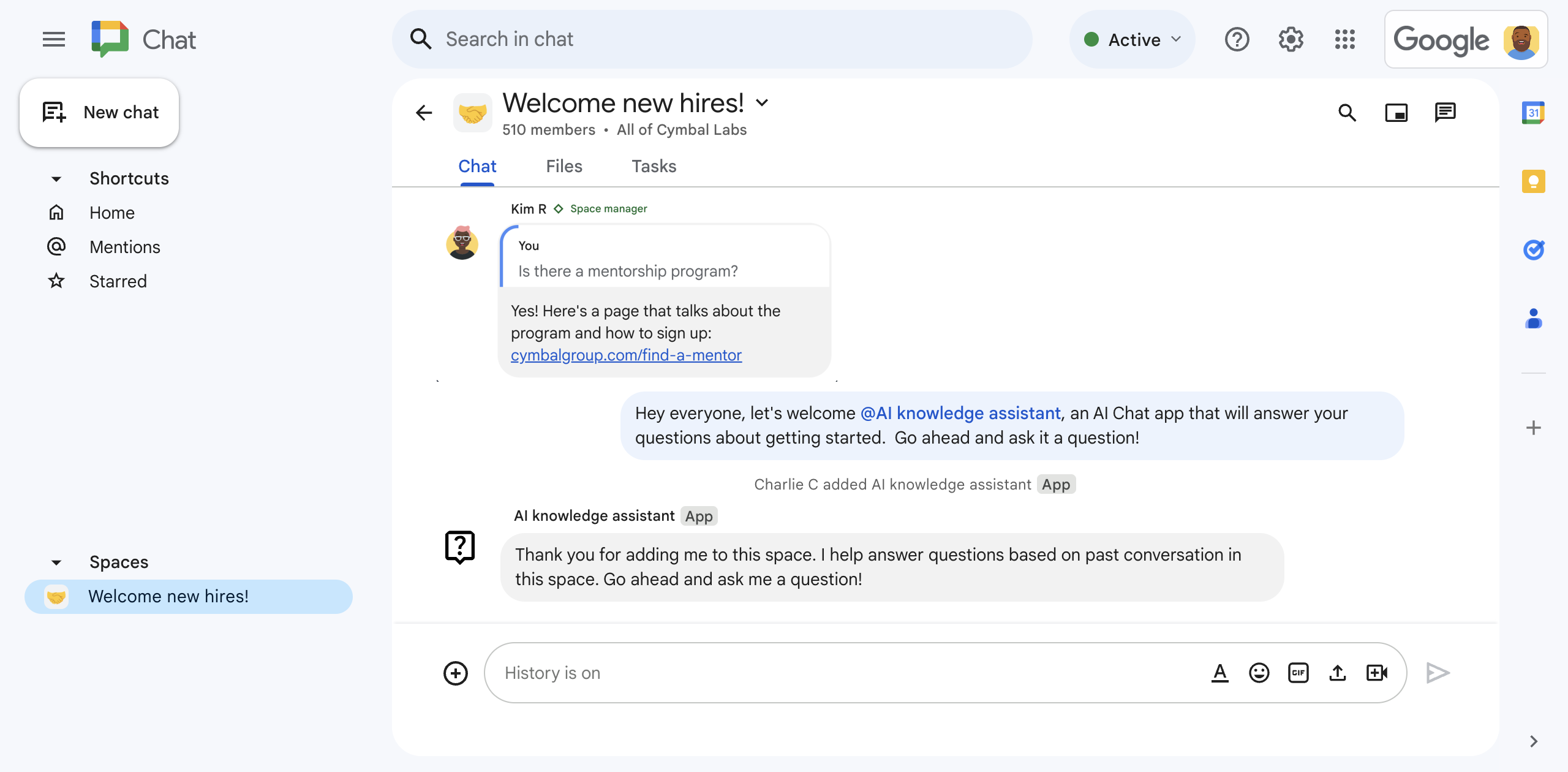
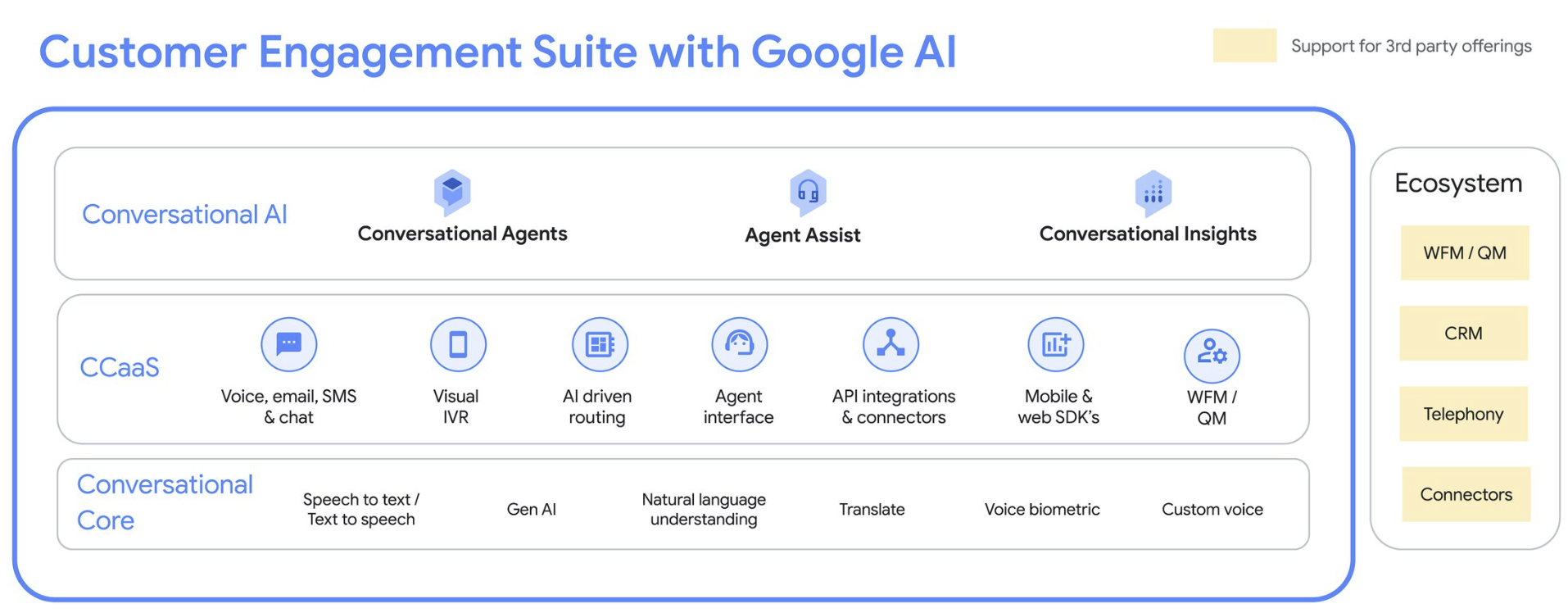
- Draft responses to customer inquiries
- Power chat or email responses
- Maintain consistent tone and messaging
- Use CRM data for context-aware replies
Example:
A service team:
👉 Uses Gemini to generate replies based on customer history in Zoho CRM
Result: Faster response times and better customer experience.
🎯 7. Assist with Strategy, Planning, and Sales Coaching

The Problem:
Teams struggle with consistency in sales strategy and messaging.
How Gemini Helps:
- Generate sales scripts
- Provide objection-handling responses
- Suggest campaign ideas
- Assist with planning and forecasting
Example:
👉 “Create a sales strategy for converting leads in the proposal stage”
Gemini provides actionable recommendations.
Result: Stronger, more consistent sales execution.
💡 What This Means for Your Business
When you combine Google Gemini with Zoho CRM, your CRM becomes:
- A content creation engine
- A data analysis assistant
- A workflow automation hub
- A strategic advisor
👉 Not just a system of record—but a system of action.
⚠️ Important Considerations
Before implementing Gemini with Zoho CRM:
- Ensure your CRM data is clean and structured
- Define clear processes before automating
- Plan how data will flow between systems
- Consider security and access controls
👉 AI is only as powerful as the system it’s built on.
Final Thoughts
AI tools like Google Gemini are expanding what’s possible inside CRM platforms like Zoho CRM.
For small and service-based businesses, this means:
- Less time spent on admin work
- Better communication with clients
- Smarter, faster decisions
- Scalable growth without added overhead
Ready to Take the Next Step?
The biggest opportunity isn’t just using AI—it’s using it strategically within your CRM.
👉 Where are you losing the most time in your current process?
That’s where tools like Gemini can make the biggest impact.